

Google Removed Q&A From Business Profiles: What to Do Next
If you ever wrote careful answers in the Questions & Answers section of your Google Business Profile, go and have a look. They’re gone, or on their way out.
Google switched off Q&A at the end of 2025. When someone asks a question about your shop in Google Maps or Search now, Google’s AI writes the answer itself, using your profile, your reviews, your photos and your website.
So the answer itself is out of your hands. What it’s made from mostly isn’t. Six fields do most of the work, and getting them right takes about an hour.
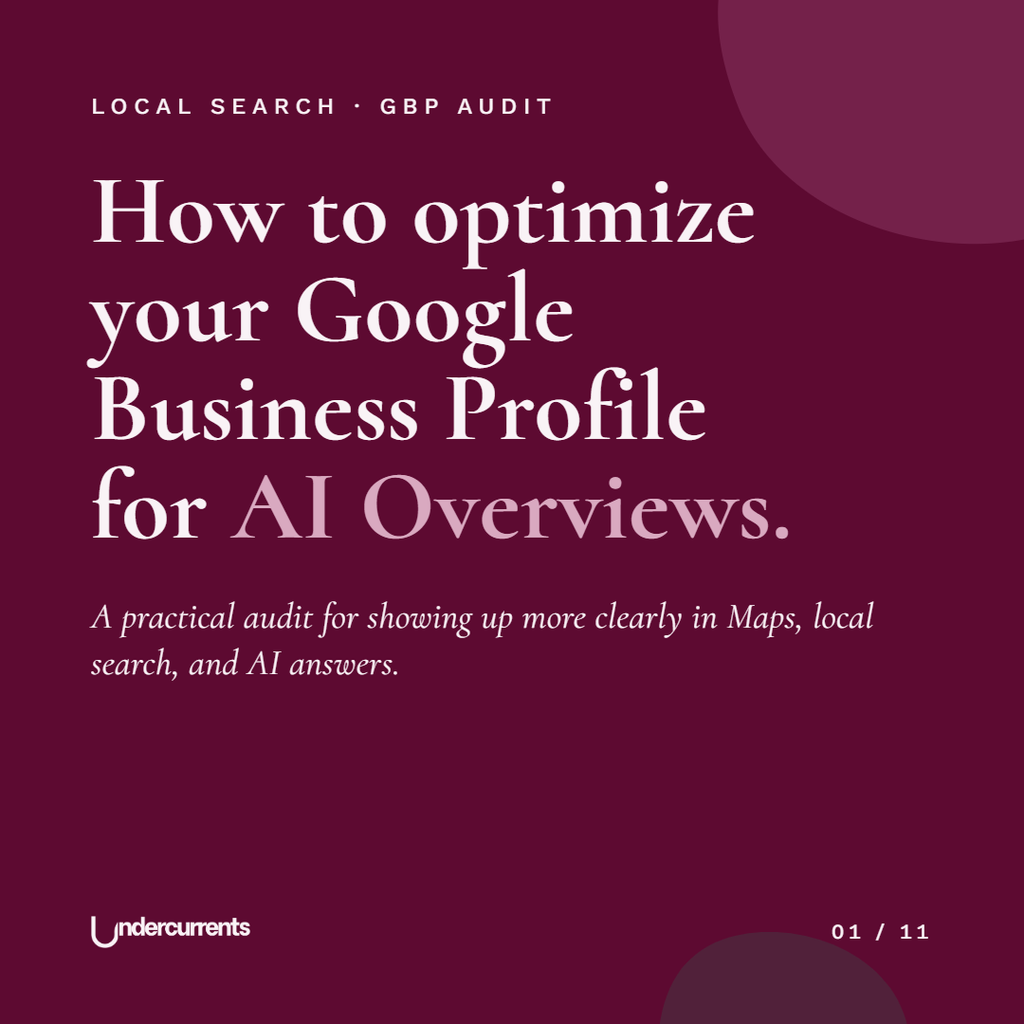
Six fields matter
Google doesn’t publish exactly how its AI weighs each part of your profile. These six are the ones you control directly, and the ones an answer about your business is most likely to draw on.
Most small shops fill in the name, the opening hours and a photo of the shopfront, then never open the profile again. Everything below is what’s left blank.
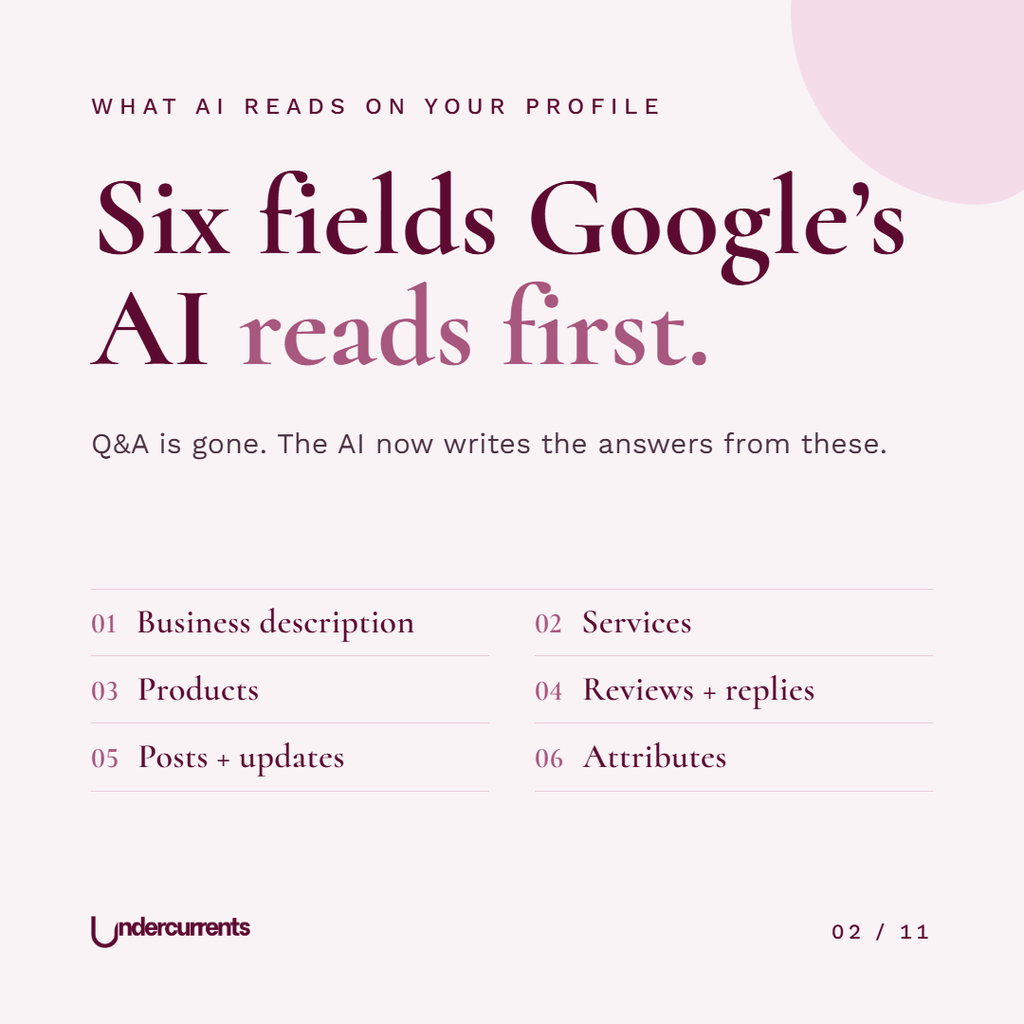
01 Business description
You get 750 characters. Plenty of businesses spend them on how passionate they are.
Use them to say what you sell, where you are, and who it’s for, in the words a stranger would type into a search bar. If you offer something the shops around you don’t, like refills, repairs, workshops or gift wrapping, this is where it goes. Links and promotional offers aren’t allowed in this field, so save those for posts.
02 Services
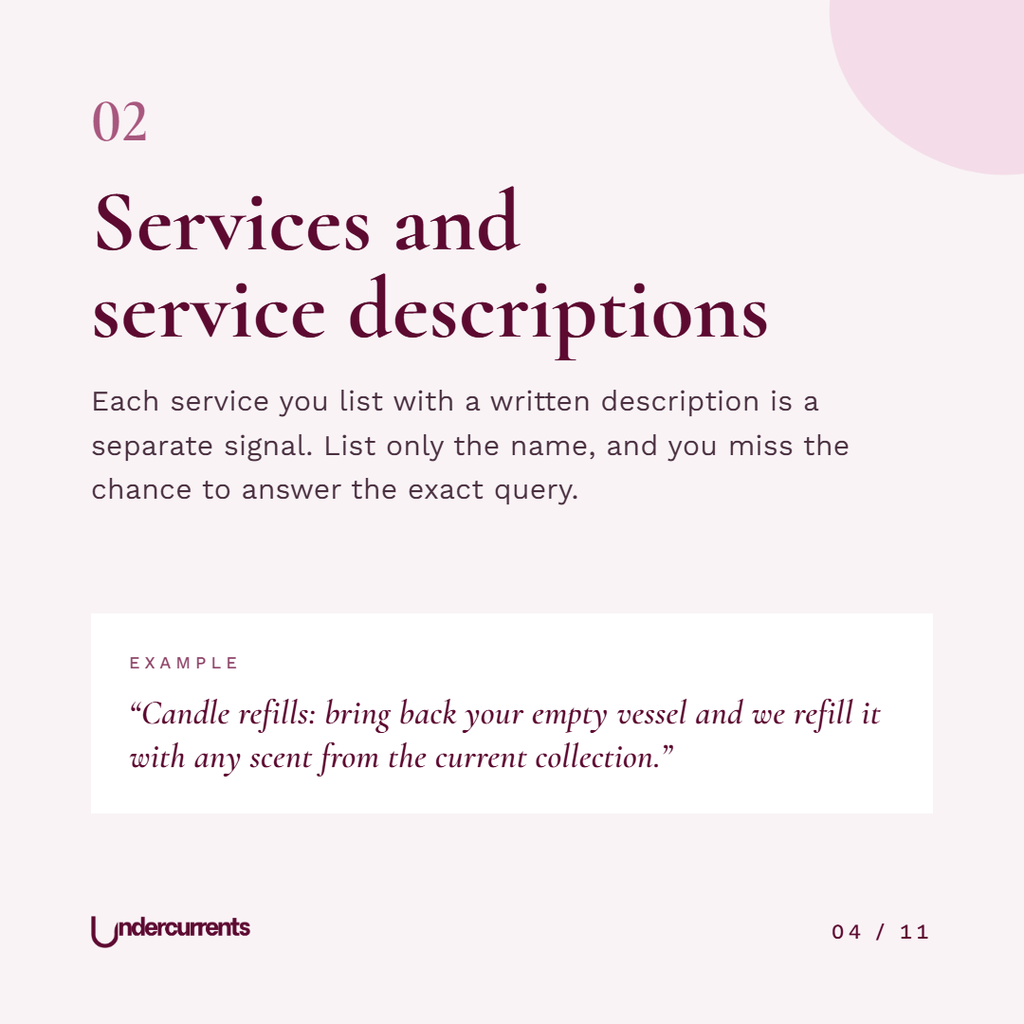
Services aren’t only for plumbers and hairdressers. If a customer can ask you to do something, it counts: refills, engraving, alterations, local delivery, personal shopping.
Add each one with a short description. A name on its own tells Google very little. A name with two sentences explaining what’s included gives it something to match when someone asks a specific question.
03 Products
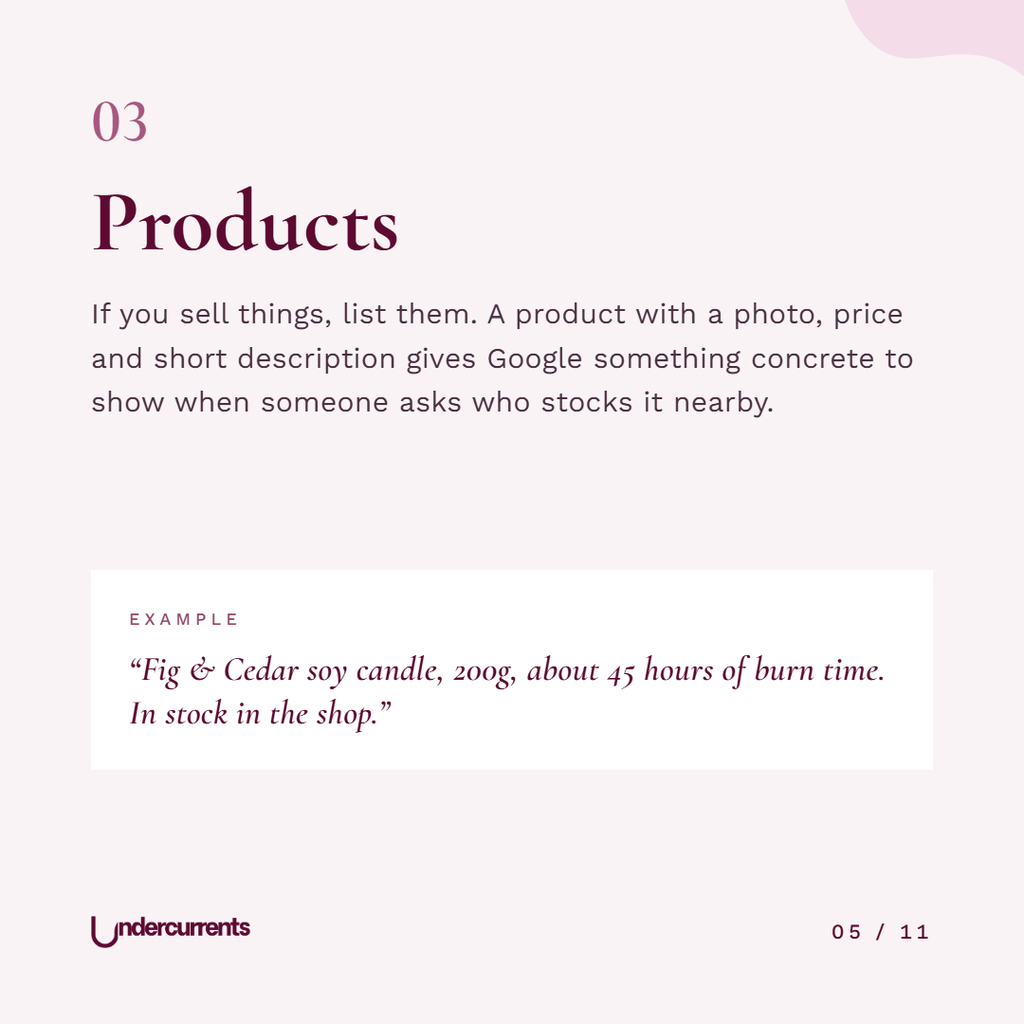
This is the section retail shops skip most often, which is odd, because it’s the one built for them.
You can add products directly to your profile with a photo, a price and a short description. When someone nearby asks where to buy a soy candle this afternoon, a profile showing an actual candle, with a price, is far easier to recommend than one that just says “gift shop.”
You don’t need the whole catalog. Start with your bestsellers and the products people come in asking for.
04 Reviews and your replies
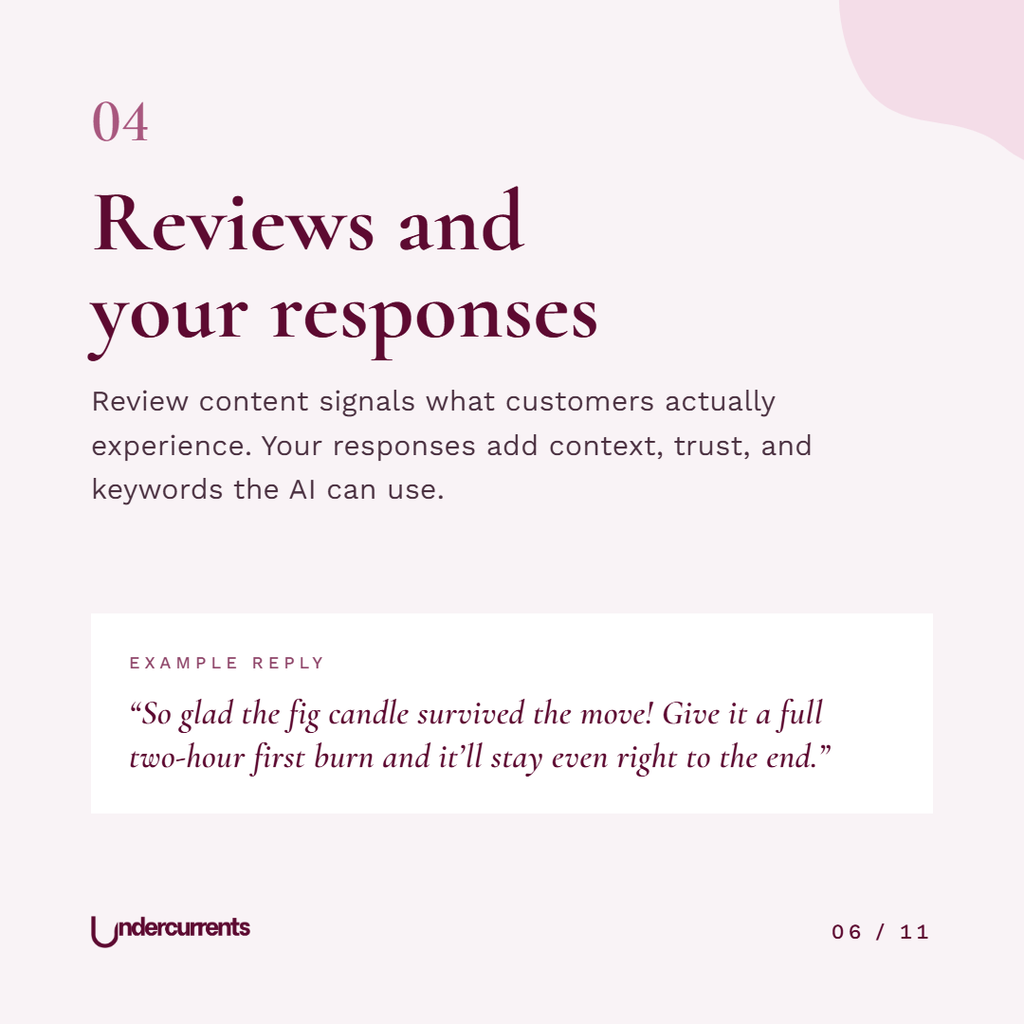
Reviews are one of the main sources Google’s AI uses to describe what it’s like to buy from you. You can’t write them, but you can reply to every one.
“Thanks so much!” adds nothing. A reply that mentions what they bought and adds something useful, like a care tip or what to try next, gives the next reader more to go on, and gives Google more detail about what you actually sell.
Reply to the unhappy reviews too, calmly and specifically. Anyone deciding whether to trust you will read how you handle those far more closely than the five-star ones.
05 Posts and updates
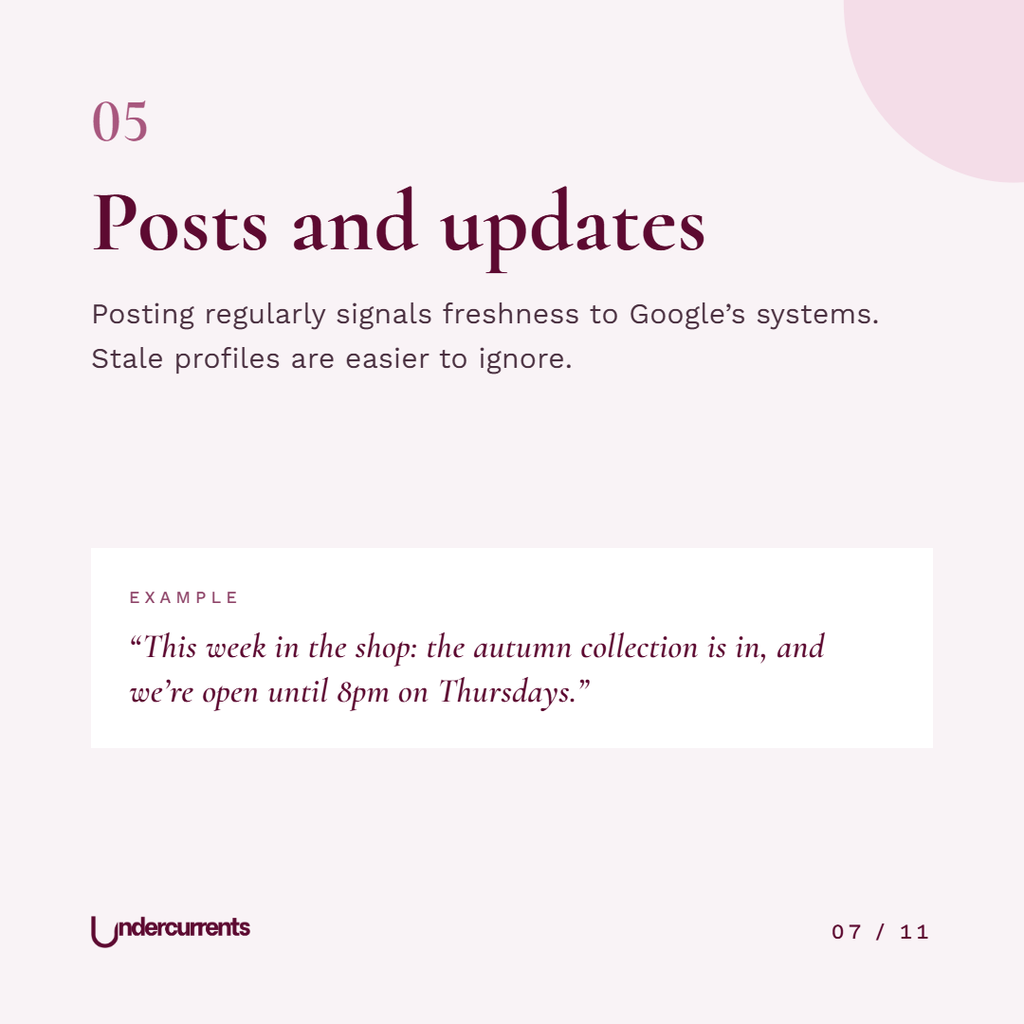
Posts are the part of your profile that shows you’re open and still doing things. A new collection, changed hours, a workshop date, a restock of something that sold out. You don’t need a content calendar for this. A short post every couple of weeks is enough to stop the profile looking abandoned.
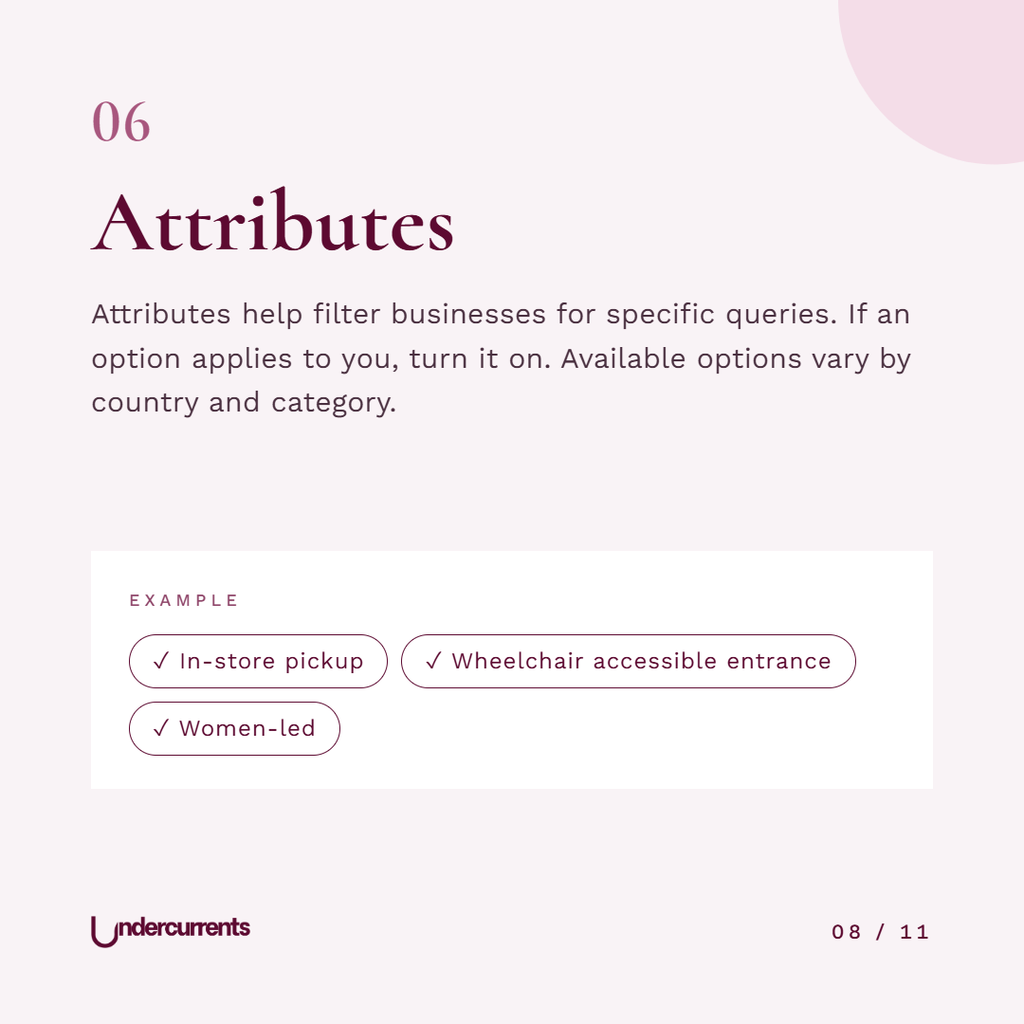
06 Attributes
Attributes are the small tick-box facts about your business: in-store pickup, wheelchair accessible entrance, women-led, and so on. They sit in a menu most people never open, but they answer very specific questions, like a candle shop with step-free access nearby.
The list depends on your country and business category. Go through everything offered for yours and switch on whatever is true.
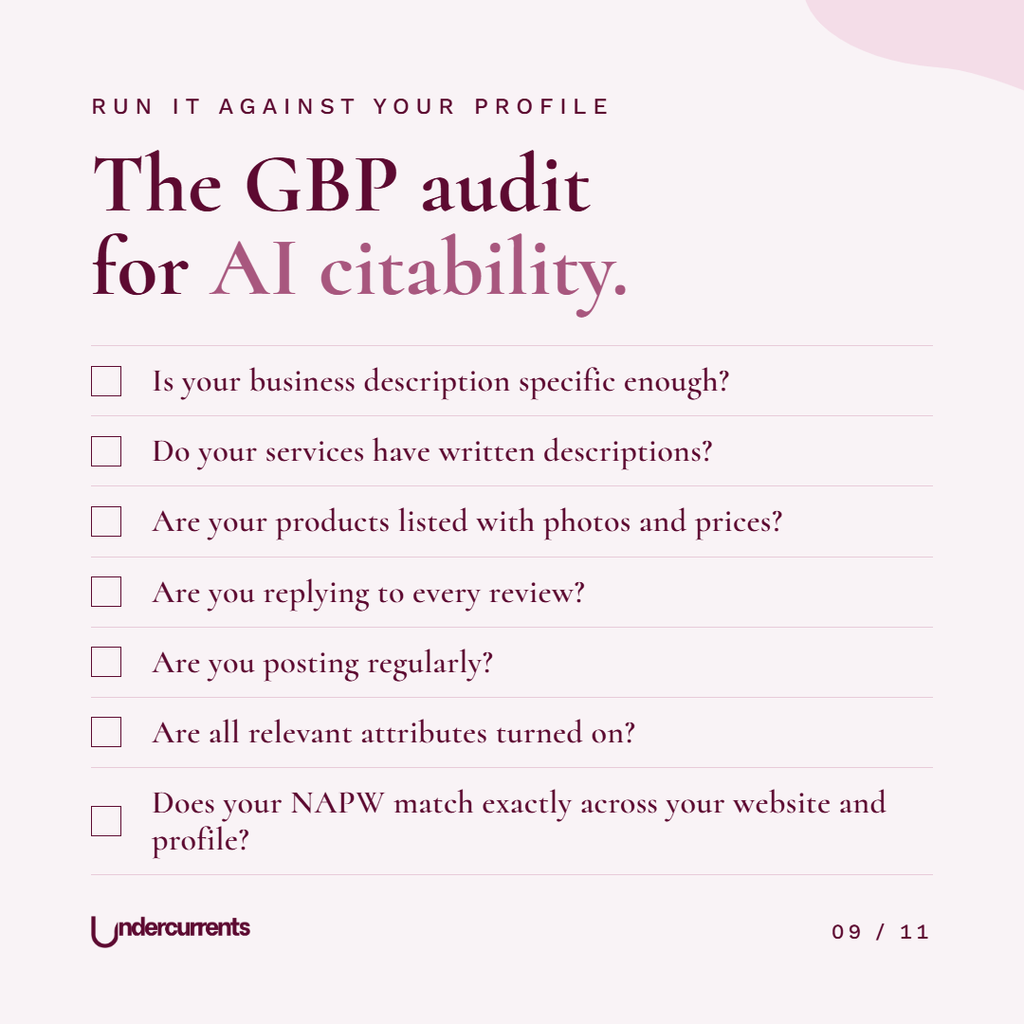
Run the audit
Open your profile next to this list and answer each question honestly. Every “no” goes on your to-do list. Most of them take ten minutes to fix.
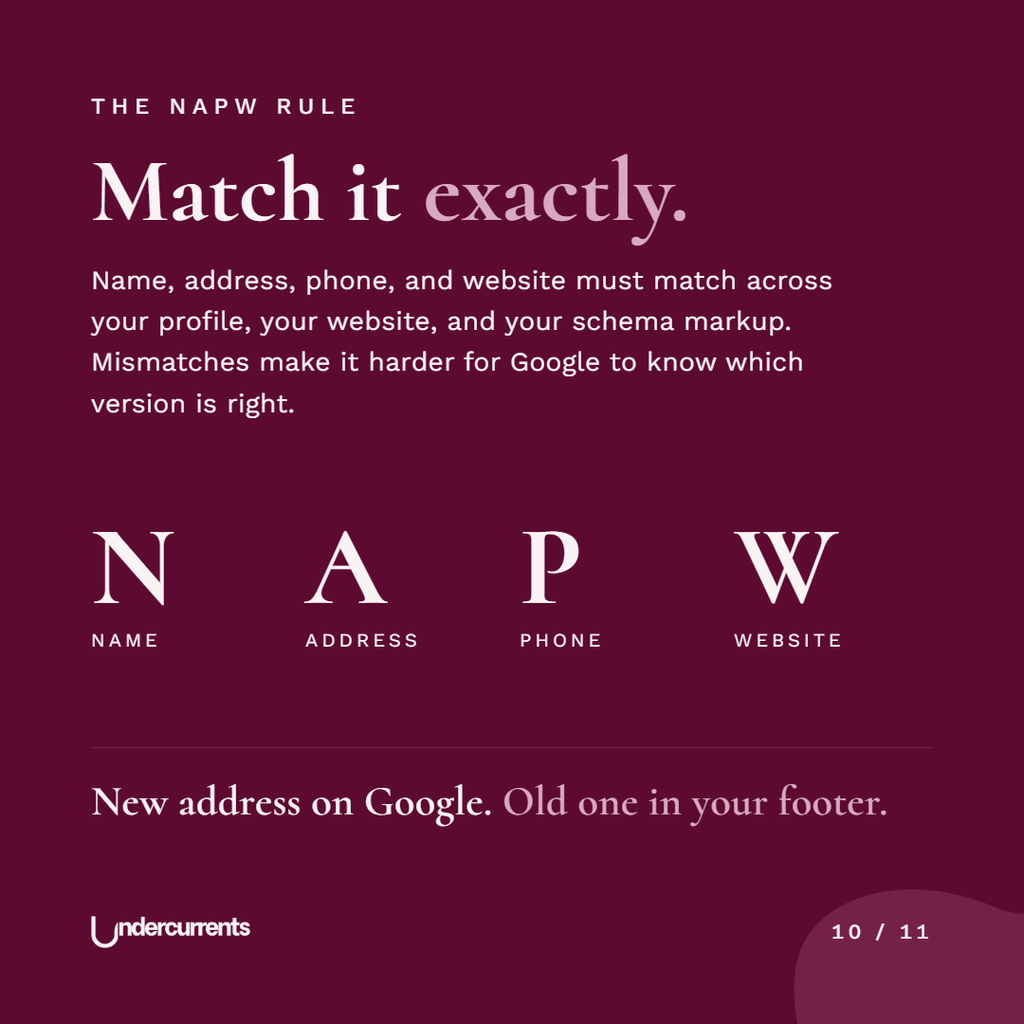
The NAPW rule
Name, address, phone and website should be identical on your profile, your website and anywhere else you’re listed.
The usual problem is history. The old address still sitting in the website footer, a phone number from before you switched providers, the shop name you used before the rebrand. When Google finds two versions, it has to decide which one is right, and it might pick the wrong one in the answer it gives your next customer.
What a strong profile does
Google is going to answer questions about your business whether you update your profile or not. The only thing you decide is whether it’s working from good information.
An hour on these six fields covers most of it. If you want the bigger picture on why this matters now, read “Is Google Zero the End of the Road for Small Businesses?“.